A guide to the “Archive Silo” technique that restores full storage capacity for free.
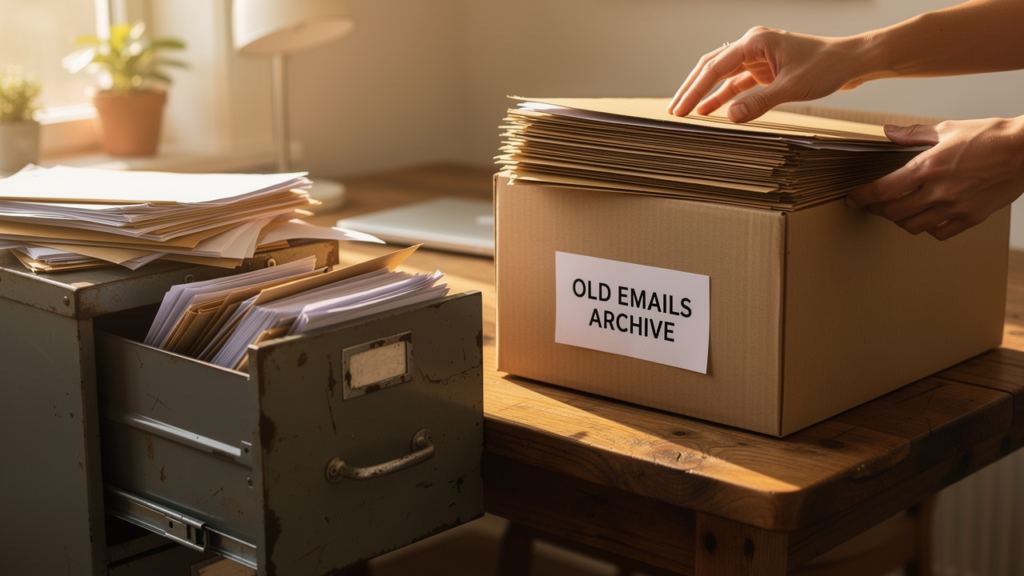
A simple yet underutilized method allows Gmail users to resolve storage limit issues without resorting to paid upgrades. By establishing a dedicated “silo” account, users can migrate years of data to a secondary location, keeping their primary digital identity light and functional.
The process leverages Google’s existing tools but applies them in a way that maximizes free tier benefits. The workflow is strictly defined to ensure data integrity:
The Protocol
1. Secure the Data: While not mandatory, utilizing “Google Takeout” to download a physical copy of all data to a hard drive is the recommended first step to prevent accidental loss.
2. Create the Silo: The user registers a new, free Gmail account intended solely for storage purposes.
3. Automated Migration: Using the “Accounts and Import” settings, the new account is configured to pull all existing mail from the primary address. This may require a one-time authentication via an “App Password.”
4. The Purge: Once the new account confirms receipt of the archives, the user returns to the primary account to delete the transferred emails. The space is only officially reclaimed after the “Trash” folder is manually emptied.
This “Third Way” provides a permanent, searchable backup of personal history while resetting the primary account’s storage meter to zero.
SOURCES: Industry How-To Guides, Google Account Help.
This report has been significantly transformed from original source material for journalistic purposes, falling under ‘Fair Use’ doctrine for news reporting. The content is reconstructed to provide original analysis and reporting while preserving the factual essence of the source.